Mockups Are Specs, Not Screenshots
The search mockup looked right. Centered omnibox, ranked results, an AI overview block — the same visual language as Perplexity and every other AI search product shipping that month. I had static HTML that opened in a browser, sober chrome, channel icons, a settings screen for hybrid ranking weights. It was polished.
It was also the wrong product.
ArticleRecommender is not a search engine you open when you already have a question. The north star is still Signal → Investigate → Connect → Brief, but the daily job is smaller and more habitual: what matters today on this topic? That is a feed you scroll like LinkedIn or Instagram — ranked cards, dismiss and save on the card, a wall selector for which edition you are reading — not a query box waiting for intent.
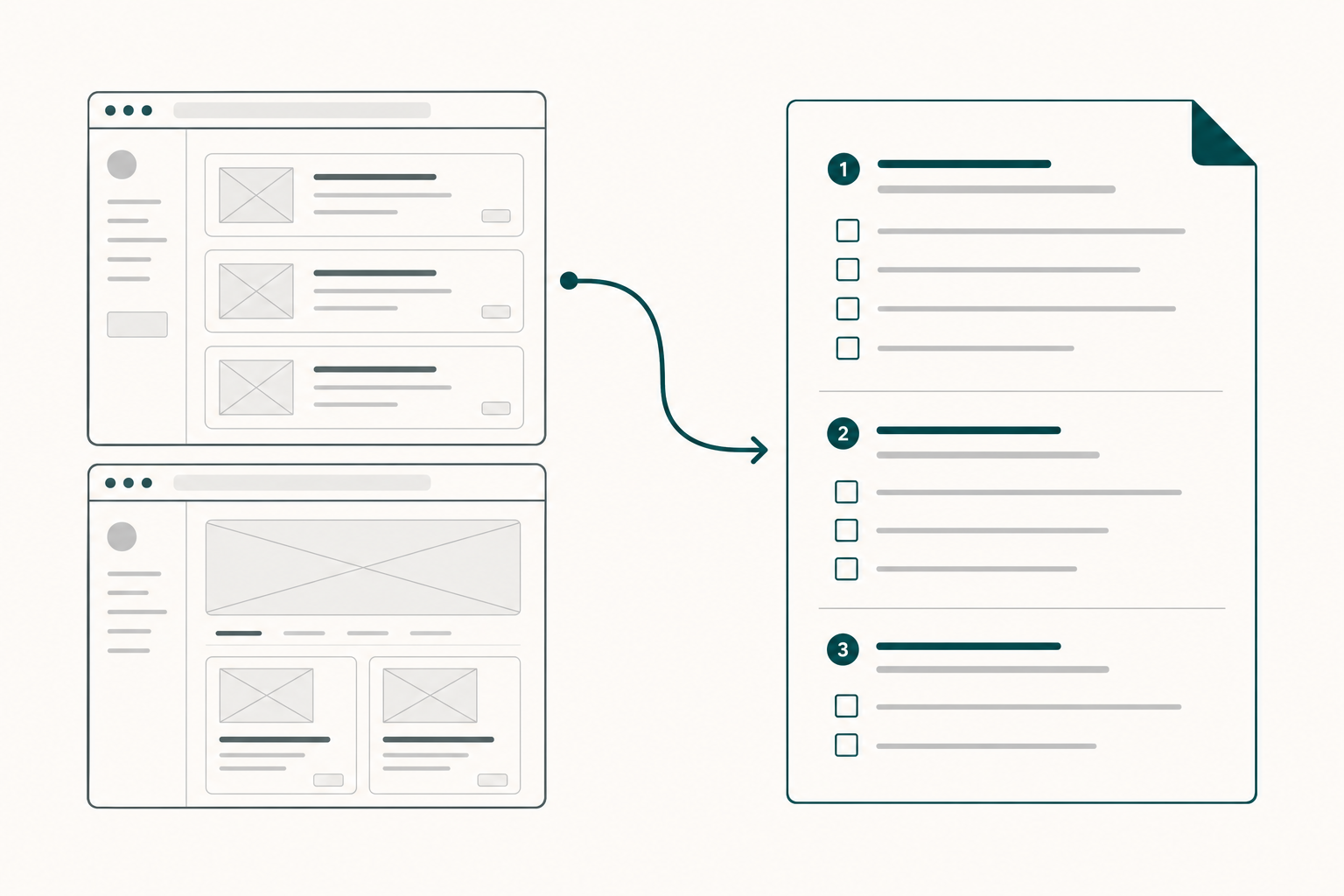
I pivoted the mockups. Then I did the step that made them survive contact with agents: I encoded them as specification-driven design, region by region, with acceptance checkboxes an engineer (or an agent session) could target without re-reading my head.
The wrong home looked beautiful
Phase 1 shipped chat, discovery, and archive. When I returned to the product after the evaluation-lab detour, the UI still behaved like a chat app with search bolted on. I asked for a senior UX pass — design principles, information architecture, possibly mockups.
The first pass was search-first. Perplexity-style layout: omnibox as hero, results below, explainability panels. It matched competitive patterns. It did not match how I actually use the product — opening the app in the morning to see what landed overnight, not typing a query I had not formed yet.
The correction was blunt: daily aggregator, not search engine. Collectors run on a schedule; the catalog grows; the home surface answers “what’s interesting today?” Search stays available — as a catalog lens on /search, not as /.
That single sentence reorganized the whole design kit.
What I built instead of Figma
I did not open Figma. I built a static HTML mockup kit under docs/design/ux-search-redesign/ in the ArticleRecommender repo — files you open with file://, tweak in an editor, and refresh. No design-tool export pipeline, no screenshot deck that goes stale the moment an agent changes a component name.
The hub is mockups/index.html. The surfaces that matter:
| Mockup | Route (target) | Job |
|---|---|---|
feed-desktop.html | / | Today feed — walls, periods, digest, cards |
search-desktop.html | /search | Catalog search when you have a query |
walls-manage.html | /interests | Create and edit topic walls |
search-mobile.html | mobile target | Bottom nav, compact cards |
Supporting docs capture the why, not just the pixels: feed-paradigm.md (LinkedIn/Instagram patterns, what to avoid as home default), topic-walls.md, time-horizons.md (today · week · month editions), appearance-themes.md (nine client theme previews).
The mockups iterated in chat — palette sobered from psychedelic to Linear/Vercel-class chrome, channel images added, layout width toggle, theme bar — but they stayed HTML so every revision was diffable and agent-editable.
The encoding step
Pretty mockups die in Slack threads. The durable artifact is the SDD slice that maps mockup regions to numbered requirements and acceptance criteria.
I asked to encode mockup features as SDD. The result is docs/specs/feed-and-home-ux.md — thirteen sections, explicit terminology (UI topic wall → API interest_id), a surface inventory tying each HTML file to spec sections, and a traceability table at §13:
| Mockup region | Spec § |
|---|---|
| Rail + top bar | §1 |
| Theme bar | §3 |
| Wall strip + panel | §4 |
| Period tabs | §5 |
| Digest | §6 |
| Filter chips + cards | §7 |
Each functional block has acceptance checkboxes — concrete behaviors like “/ renders feed, not search composer as hero” and “Nav to Search preserves wall context when interest_id was selected on feed.” That is the same contract shape I use for API specs: requirements first, acceptance second, testing implied third.
The mockup kit README now points implementers at the SDD first, mockups second — design reference, not authority. Authority lives in the numbered spec agents can grep.
Not pretty screenshots
There is a failure mode I have seen on agent-heavy projects: someone generates a gorgeous UI image, drops it in a doc, and declares design done. Agents implement something that resembles the image. Playwright passes on happy paths nobody wrote down. Three sprints later nobody agrees what “done” meant.
Specs Drive. Tests Validate. describes the application stack version of this — SDD drives intent, tests validate behavior, agents draft in between. UX gets the same ladder:
| Lane | Role on feed redesign |
|---|---|
| Mockups | Explore layout, hierarchy, copy — the walk until the paradigm is right |
SDD (feed-and-home-ux.md) | Encode regions as requirements + acceptance — the contract |
| Tests | Playwright and component tests keyed to acceptance — the signature |
Mockups without acceptance criteria are mood boards. Acceptance without mockups is abstract — engineers invent spacing. Together they give agents a fixed target: “make §7 true and match feed-desktop.html for the card chrome.”
Chapter 7 ended with walk until the map is clear, then automate the work around judgment. The mockup kit was the map for UX. The SDD was how I stopped re-explaining the map every session.
What actually shipped
Routes in frontend/src/App.tsx match the IA from the spec: FeedPage at /, SearchPage at /search, interests at /interests, settings and archive on the rail.
FeedPage.tsx is not a placeholder. It loads walls from GET /api/interests, fetches GET /api/feeds/{interest_id} with date and period, renders period tabs, wall strip and panel, digest block, channel filter chips, feed cards with feedback actions, theme bar, layout width toggle, empty and caught-up states, and month theme clusters when the API returns them.
E2E covers the behaviors the spec cares about:
feed-home.spec.ts— home shows feed, not search input; save on card reaches archivefeed-nav.spec.ts— wall context flows to search and back via railfeed-periods.spec.ts— today / week / month hero statsfeed-feedback.spec.ts— dismiss removes cardwalls.spec.ts— create wall appears on feed strip
That is real product surface — not a screenshot of intent.
What is still open
Honesty matters. The acceptance checkboxes in feed-and-home-ux.md are still unchecked in the doc — I have not formally closed the traceability loop by ticking §1–§9 as verified against production. Some gaps are real:
- Mobile (§10) — desktop feed MVP first; bottom nav mockup is target, not shipped layout
- Week/month API — UI period tabs exist; §5.6 notes some edition scopes as TBD on the API side
- Theme persistence — nine themes preview in mockups; product defaults to client presets, not full user-pref sync
- Card chrome polish — thumbs, collapsed “why recommended,” carousel media — partial vs
feed-desktop.html - Formal spec sign-off — tests pass paths; the SDD checklist itself is the backlog truth table
That gap is useful. It tells the next agent session exactly what “done” still means without re-opening the HTML folder.
Takeaways
- Mockups are for walking UX — Static HTML let me pivot from search-first to feed-first fast; the format mattered as much as the pixels.
- Encode regions, not vibes — §13 traceability from mockup DOM regions to spec sections is what makes design agent-durable.
- Same ladder as API SDD — Mockups explore;
feed-and-home-ux.mddrives; Playwright validates; unchecked boxes stay honest. - Feed-first is a product decision — Search stays on
/search; home answers a newspaper question, not a library catalog question. - Implementation can outrun paperwork — Code and E2E may ahead of checkbox hygiene; the spec is still the contract to close.
Previous: Agents Draft. I Sign. · Series index: Building an Evaluation Lab by Accident
The Evidence
- Mockup kit: docs/design/ux-search-redesign/ — start at
mockups/index.html - Feed paradigm: feed-paradigm.md
- UX SDD: feed-and-home-ux.md
- FeedPage: FeedPage.tsx
- E2E: feed-home.spec.ts, feed-nav.spec.ts